
Updating your boards
Once a board runs PropMesh, updates reach it over the mesh from the console. You shouldn’t need to plug it in again.
-
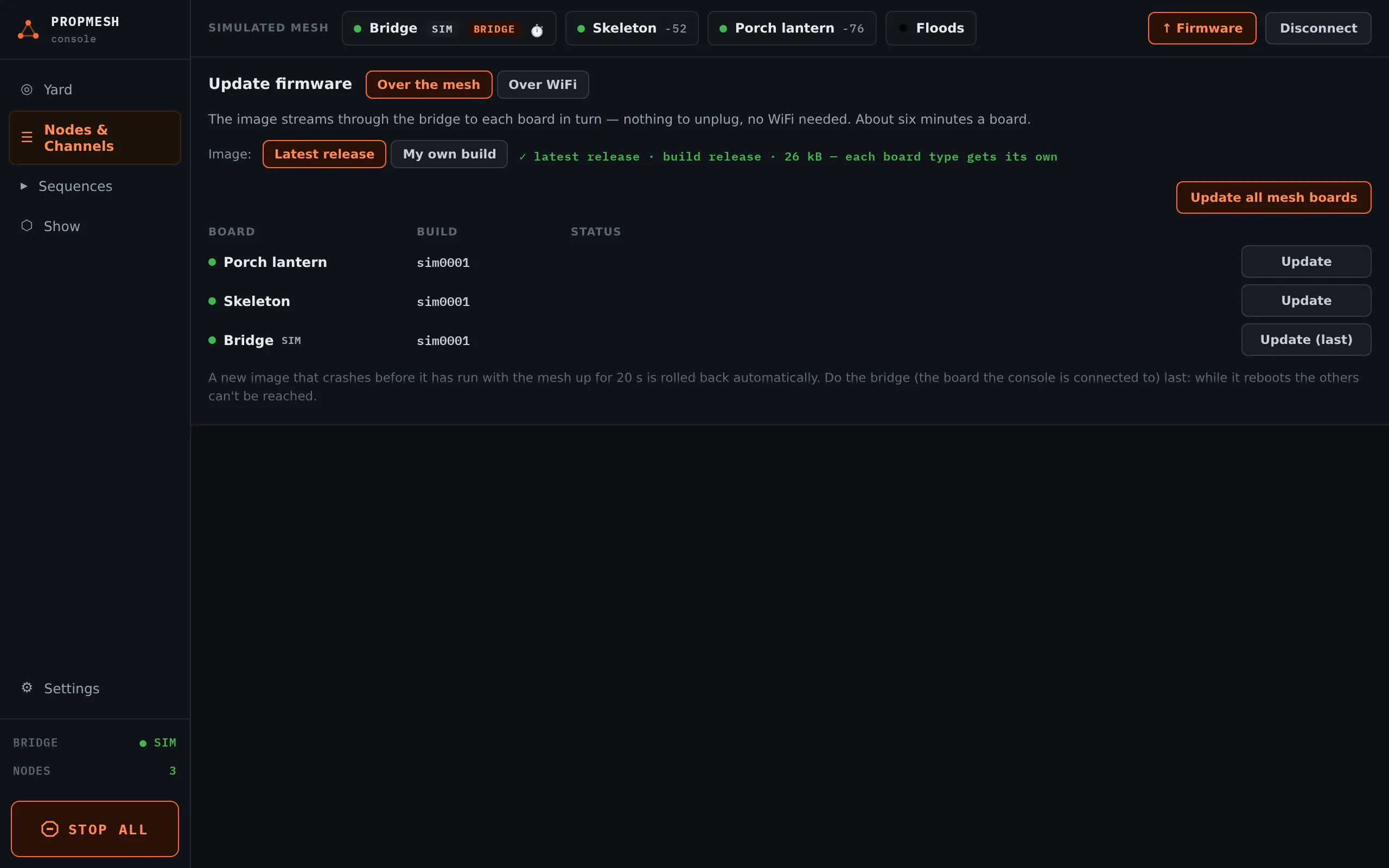
In Nodes & Channels, open the ↑ Firmware panel and choose Over the mesh.
-
Leave Image on Latest release. The console fetches the current firmware from this site on its own and shows ✓ latest release with the build name. Each board type gets its own image, so a mixed yard of DevKits and Feathers is fine.
-
Press Update all mesh boards, or Update on one board. Each board takes a few minutes, and the table shows how far along it is.
-
Update the bridge, which is the board your console is connected to, last, with Update (last).
My own build is for people building the firmware themselves: paste the URL from tools/ota_serve.py, or pick a .bin file.
Over WiFi is the faster option when your boards are in range of your home WiFi. Each board joins the network and downloads the update itself. It needs the image served from a computer on your network, which is covered in the project’s developer notes.