
Sensors and buttons
A sensor is how the yard knows someone is there. Anything that switches a wire on or off will work.
| Sensor | Good for | Notes |
|---|---|---|
| PIR motion (HC-SR501, AM312) | “someone walked up” | needs about a minute to settle after power-up. The knobs on an HC-SR501 set its range and how long it stays on. |
| Pressure mat | “someone stepped here” | a switch: wire it like a button |
| Break-beam (IR or laser) | “someone crossed the path” | precise and fast, good for a hallway |
| Button | a manual “go” | wire it between a pin and GND |
Wiring
Section titled “Wiring”Sensors with their own output (PIR, beam receivers): wire power, ground, and their OUT to a board pin. In the console set pull to none, because the sensor drives the pin itself.
Switches (buttons, pressure mats, reed switches): one wire to the pin, the other to GND. Set pull to up and tick active = LOW. The pin then reads “on” when the switch connects it to ground.
In the console
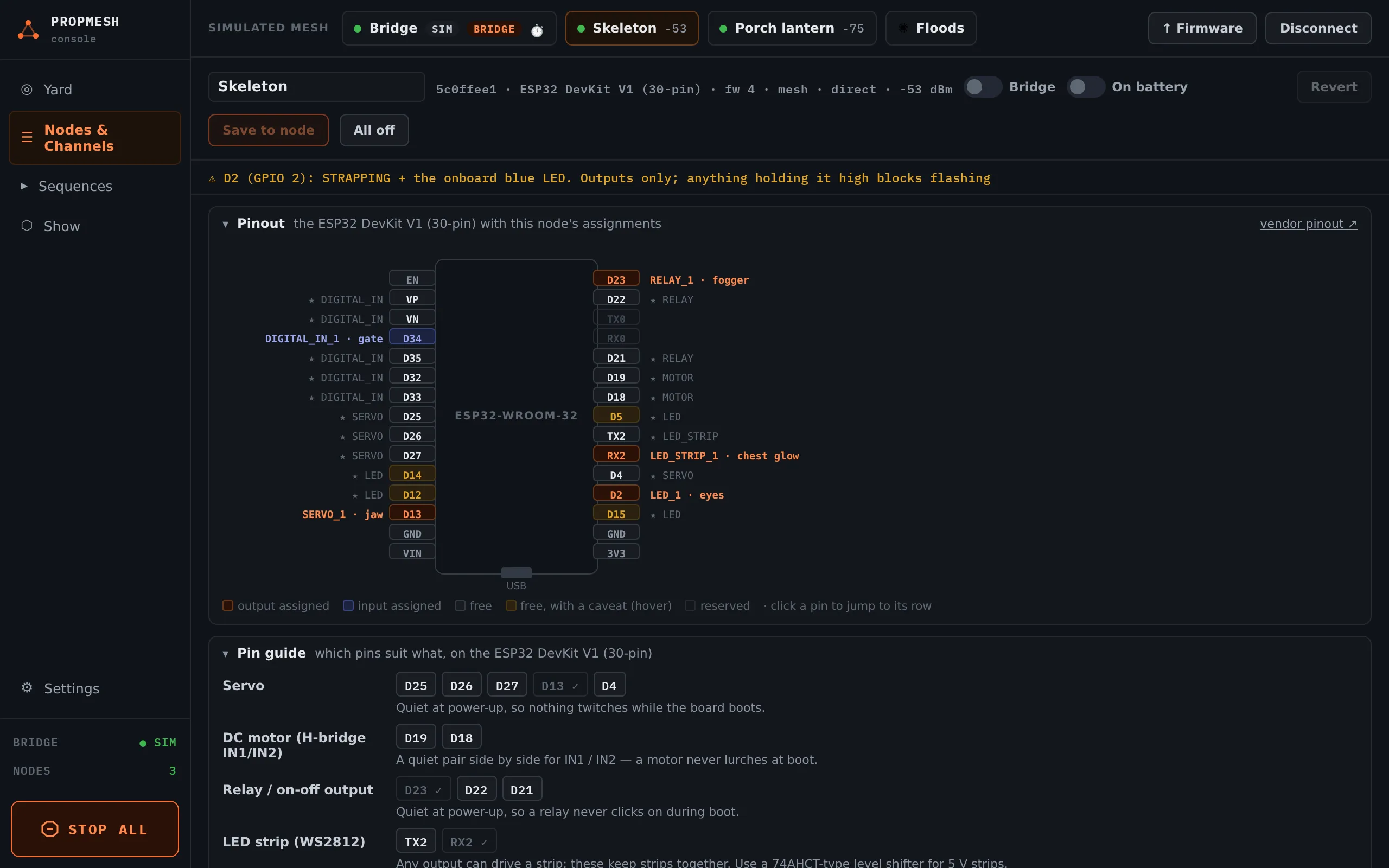
Section titled “In the console”Assign the pin to Sensor / button input, set pull and active = LOW as above, and Save to node. The TEST column shows ● ACTIVE or ○ clear live. Walk past, step on the mat or press the button and watch it change.
Then make it do something: see Triggers.